This article discusses methods for verifying campaign impressions. Learn more about link markup for campaign click verification
Audit-pixel, or external audit, is a tool that allows you to connect third—party technical solutions for auditing advertising events.
Audit Pixel can be enabled for media campaigns in the "Recognition and Reach" tab. Learn more about the launch of display ads
How to set up an audit pixel
If you want to use a third-party event counter for your advertising campaigns, set up an audit pixel:
- In the Campaigns section, on the Campaigns tab, click Create.
- Open the "Recognition and Reach" tab and select the desired advertising object.
- Go to the ad group settings level and insert the audit pixel link in the "Advanced Settings" block.
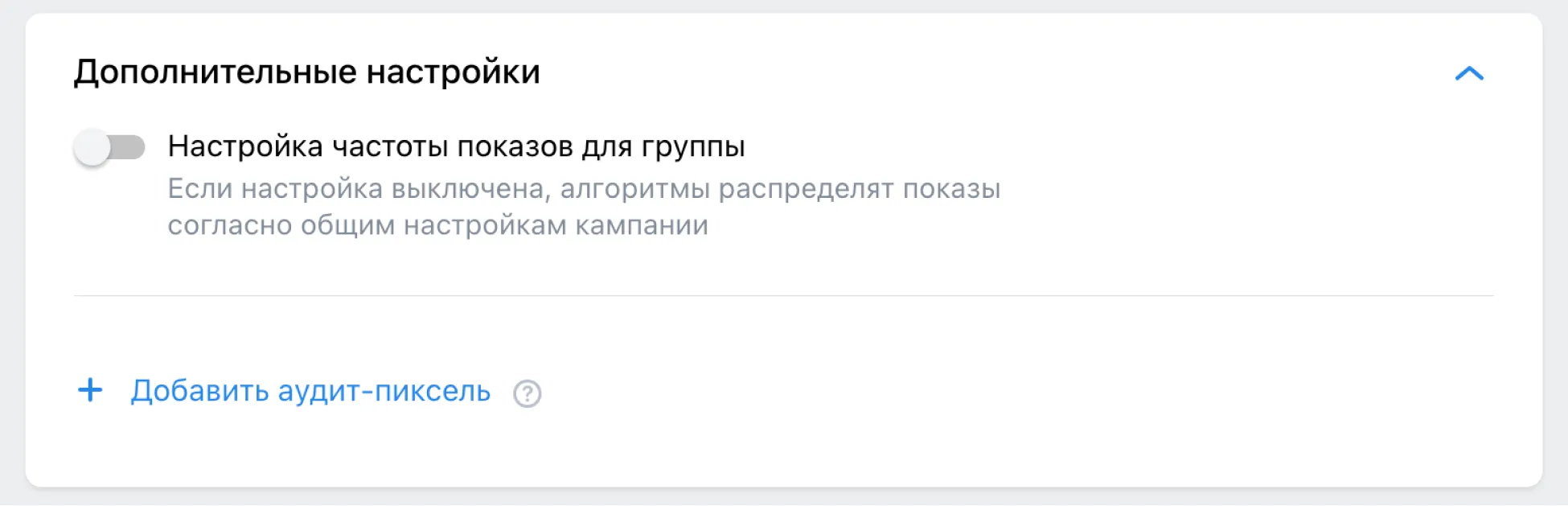
VK Advertising will prepare pixels for all available events for your verifier. List of available events
Audit-pixels work at the group level and count the total statistics.
If you want to track statistics for each banner separately, create a separate group for each ad and add your own audit pixel for each one.
Verified vendors
Currently, the following vendors are available to connect:
- Weborama
Link example:
https://wcm-ru.frontend.weborama.fr/fcgi-bin/dispatch.fcgi?a.A=im&a.si=1&a.te=1&a20 - Adriver
Link example:
https://ad.adriver.ru/cgi-bin/rle.cgi?sid=1&bt=100&ad=777201&pid=3973828&bid=10266200&bn=10266200&exss=%7B%7Bimpression_id%7D%7D&rnd=%7B%7Brandom%7D%7D - Adserving
Link example:
https://bs.serving-sys.ru/Serving/adServer.bs?cn=display&c=19&pli=1087921966&adid=1087921967&LineID=100152413 - Adloox
Link example:
https://pixel.adlooxtracking.com/ads/image.php?_=%5BRANDOM%5D&id1=1111&id2=111&id3=&id4=&id5=1111&id6=1&id7=1 - Mediascope
Link example:
https://www.tns-counter.ru/V13a**%7B%7Btnsdid%7D%7D;camp=%7B%7Bcampaign_id%7D%7D;impr=%7B%7Bimpression_id%7D%7D;crid=%7B%7Bbanner_id%7D%7D;sests=%7B%7Btimestamp%7D%7D;tz=-180;ve=1**abcd/ru/UTF-8/tmsec=abcd_cid1219606-posid3478321/%7B%7Brandom%7D%7D - TargetADS
Link example:
https://eye.targetads.io/view/pixel?pid=1&cn=1&pl=1
Audit events supported by verifiers
| The Verifier | Events |
|---|---|
| Weborama | impressions, start video, 25% view, 50% view, 75% view, full view, visibility |
| Adriver | impressions, start video, 25% view, 50% view, 75% view, full view, visibility |
| Adserving | impressions, start video, 25% view, 50% view, 75% view, full view, visibility |
| Adloox | impressions |
| Mediascope | audience data |
| TargetADS | impressions, 25% view, 50% view, 75% view, full view, visibility |
Viewability of impressions
Viewability auditing allows you to connect with third-party ad viewability auditing solutions.
An ad is considered viewable if 50% of its display area was visible on the screen for at least 1 second (or 2 seconds for video ads).
To enable viewability auditing:
- In the "Campaigns" section of the "Campaigns" tab, click “Create.”
- Open the "Awareness and Reach" tab and select the desired ad object.
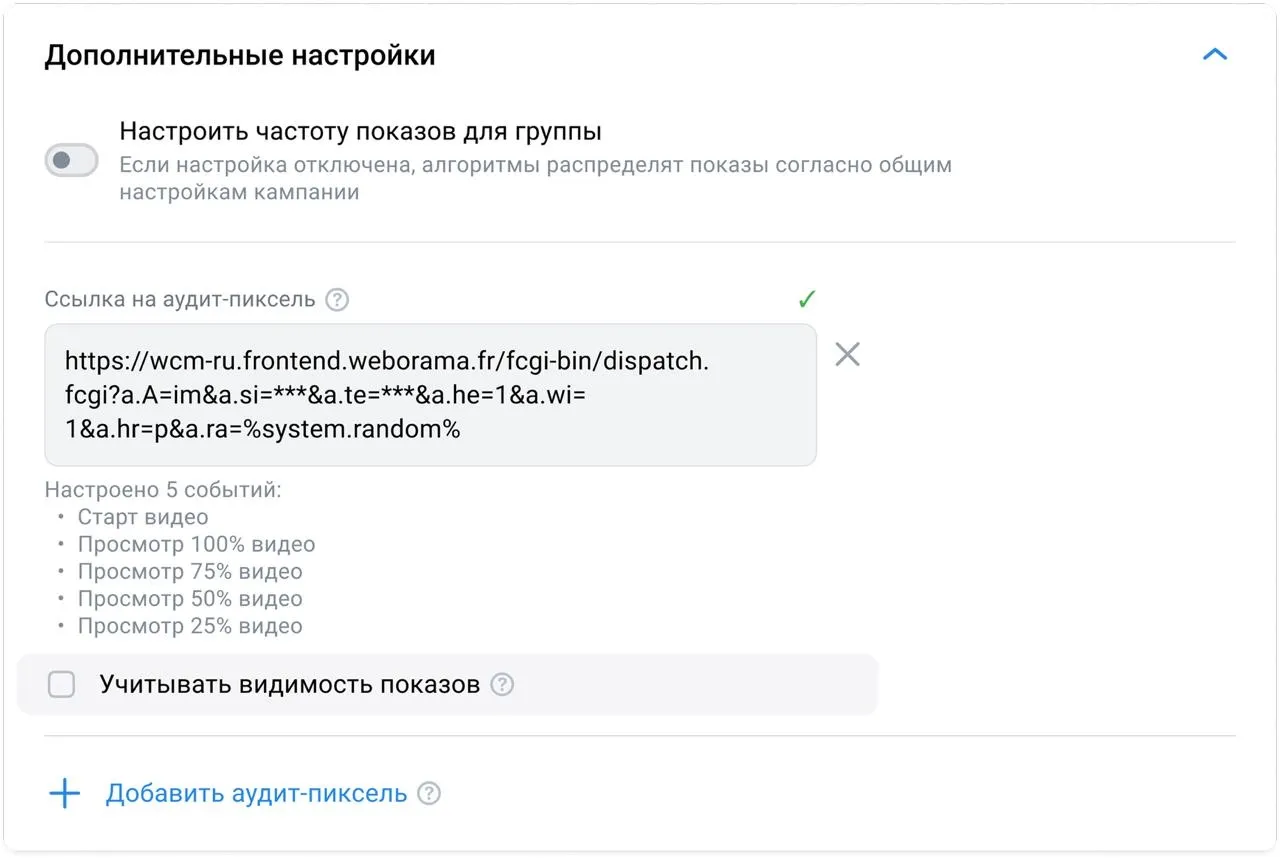
- Go to the ad group settings level and paste the audit pixel link in the "Advanced Settings" section.
- Check the "Take into account viewability auditing."
Visibility is currently unavailable for Dzen promotions and VKontakte promotional posts. This feature will be implemented soon.