Russian developers strive to attract an audience to their mobile applications. Foreign app stores make this a serious challenge — you can't pay for ads in rubles, and an app listing can be removed at any moment. The best solution is to promote on RuStore, which guarantees secure and reliable access to both Russian and international apps and games.
What is RuStore
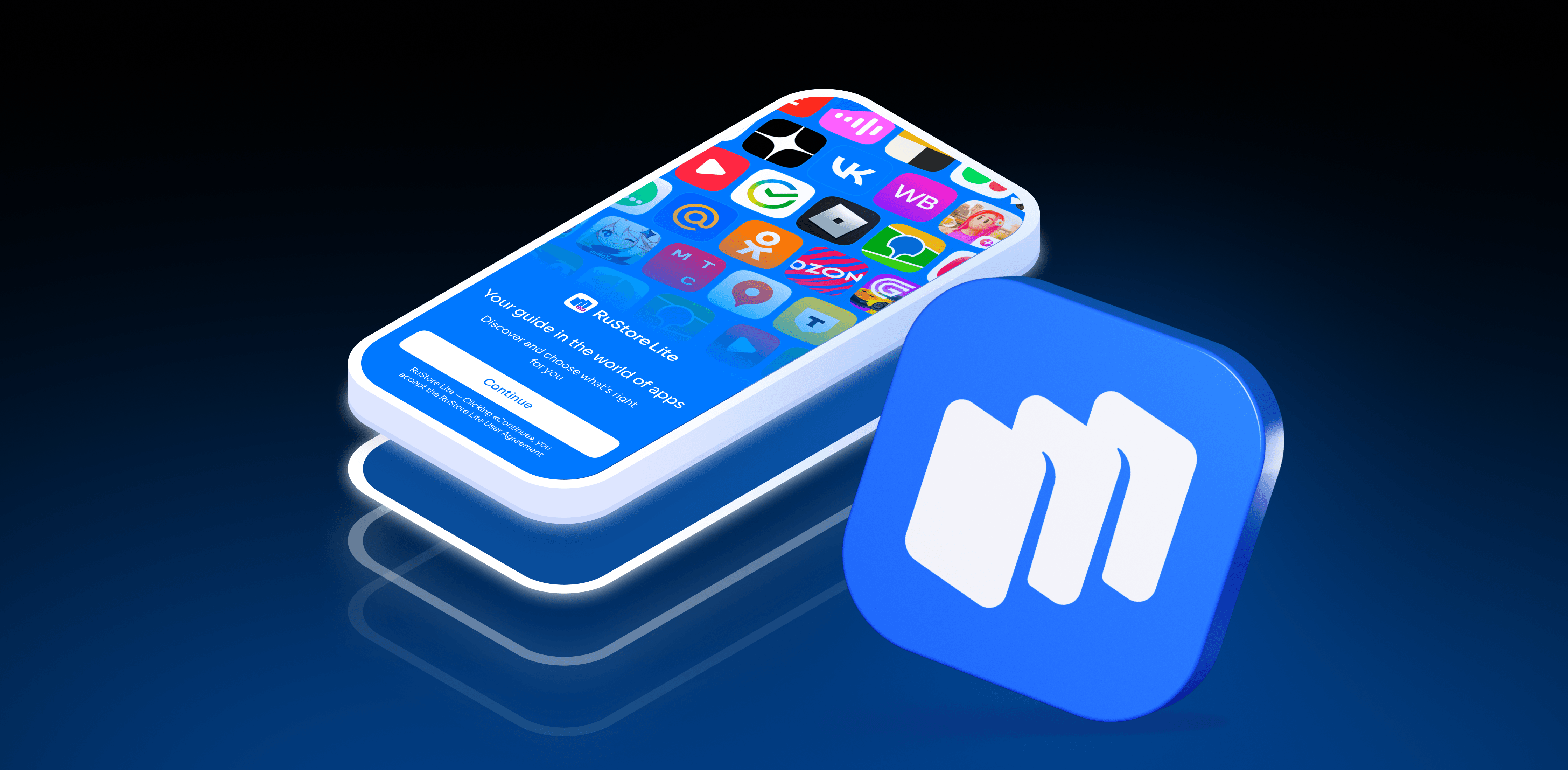
RuStore is Russia's official app store, developed by VK for Android, HarmonyOS, and the Aurora OS.
It is the fastest-growing app store in Russia. The service launched in spring 2022, and by the third quarter of 2025, its monthly audience had reached 65.5 million users. Today, RuStore hosts over 85,000 apps across a wide range of categories — from banking services to mobile games.
RuStore provides full access to Russian-made apps. Users can find "My Tax" (Мой налог), "My Documents" (Мои документы), T-Bank, Sber, VTB, and Ozon apps, social networks, delivery services, streaming platforms, and media players. In RusStore, you can also find popular video games from Asian developers (China, South Korea, Japan, Vietnam, and Singapore), such as the multiplayer strategy game "Doomsday: Last Survivors".
On RuStore, the user can:
- Access the store from different devices: smartphones, tablets, and TVs.
- Download free and paid apps, games, and services.
- Leave comments and rate apps.
- Use a version designed for visually impaired users.
- Enable kids mode.
- Pay for services using a card from any Russian bank — an account is required.
- Save payment card details for one-click purchases in the future.
Benefits for business
RuStore works on any device running Android 8.0 or higher. Since November 2022, the app has been pre-installed on smart devices officially sold in Russia, contributing to the rapid growth of the store's audience. RuStore has a payment acceptance system, which means that businesses can monetize their applications.
Developers registered as legal entities can:
- Manage payments on the device.
- Create one-time purchases and subscriptions for their apps.
- Hold a company account with any Russian bank.
- Use promotional tools to reach Russian users.
Developers can also track analytics data, such as the number of push notifications sent, app views and downloads, and the total amount of purchases and refunds. To enable monetization, legal entities need to fill out an application and sign it with an electronic signature that has the authority to sign financial documents.
User authentication is handled through VK ID, which simplifies the payment process. And with the introduction of seamless card linking, users will be able to make purchases in a single click. This expands monetization opportunities for businesses.
On RuStore, users can also install or update apps they already use from major banks, marketplaces, grocery delivery services, and much more.
How to add an app to RuStore
To publish a new app, follow this step-by-step guide:
- Create an account or log in to RuStore → "Apps" → "Add an App".
- Name your app → "Add".
- Select the app → click "Upload Version".
- If your app is of the "Universal" type — meaning it can be opened on a phone, tablet, and TV — be sure to fill in the details for the TV version as well. For publishing apps intended solely for TV, there is a special guide.
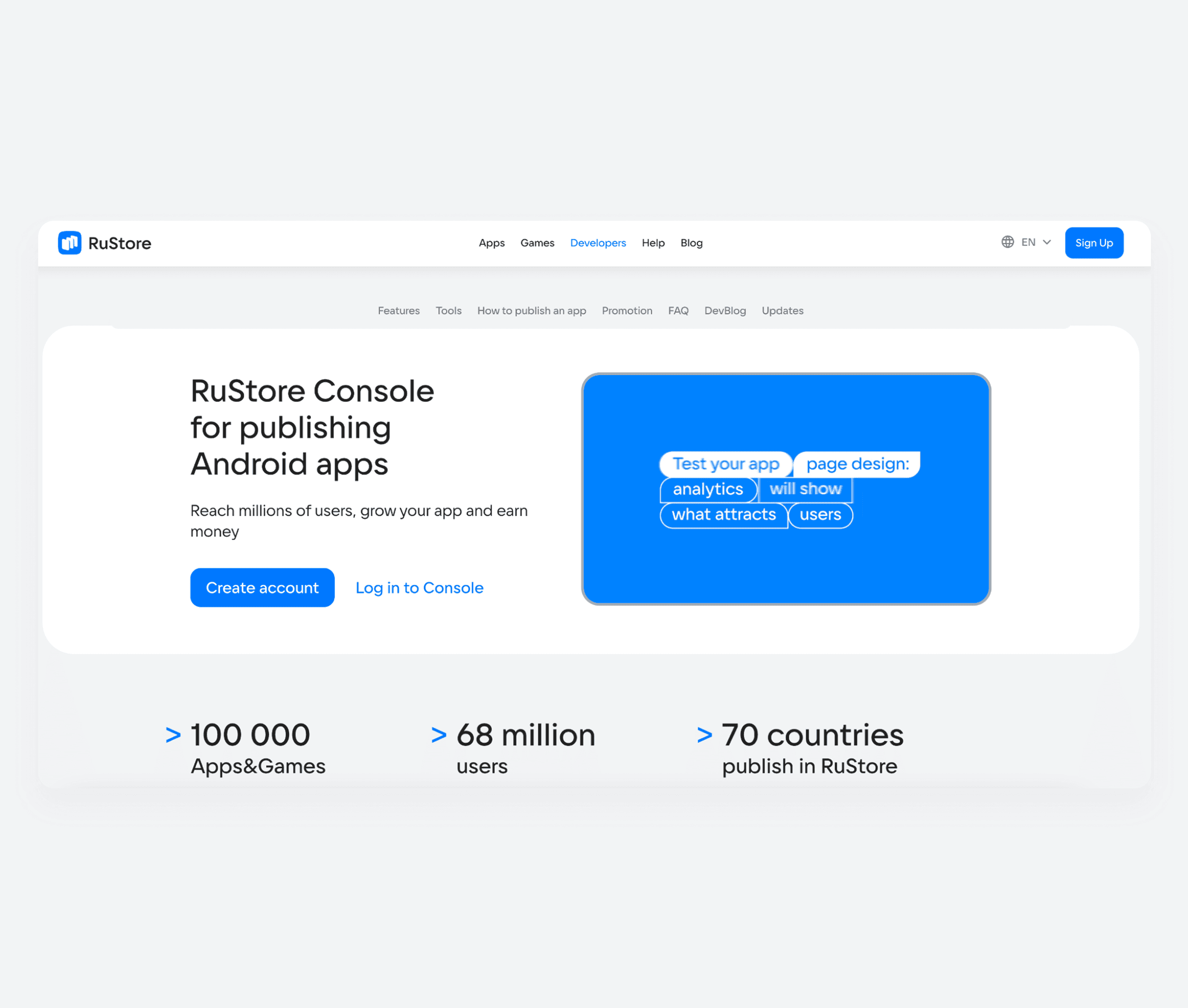
For more details on every step of the upload process and file requirements, please refer to the RuStore website. Before submitting your app for moderation, make sure it complies with the app requirements.
How to promote an app on RuStore
The recommended starting budget for promotion is 5,000 ₽ (VAT excluded). This way you can test different audience settings and creative assets to find the most effective ad combinations for your business.
If you are growing your own mobile app and want to expand your Russian-speaking audience, in RuStore you can attract new users with free and paid tools.
Free promotion
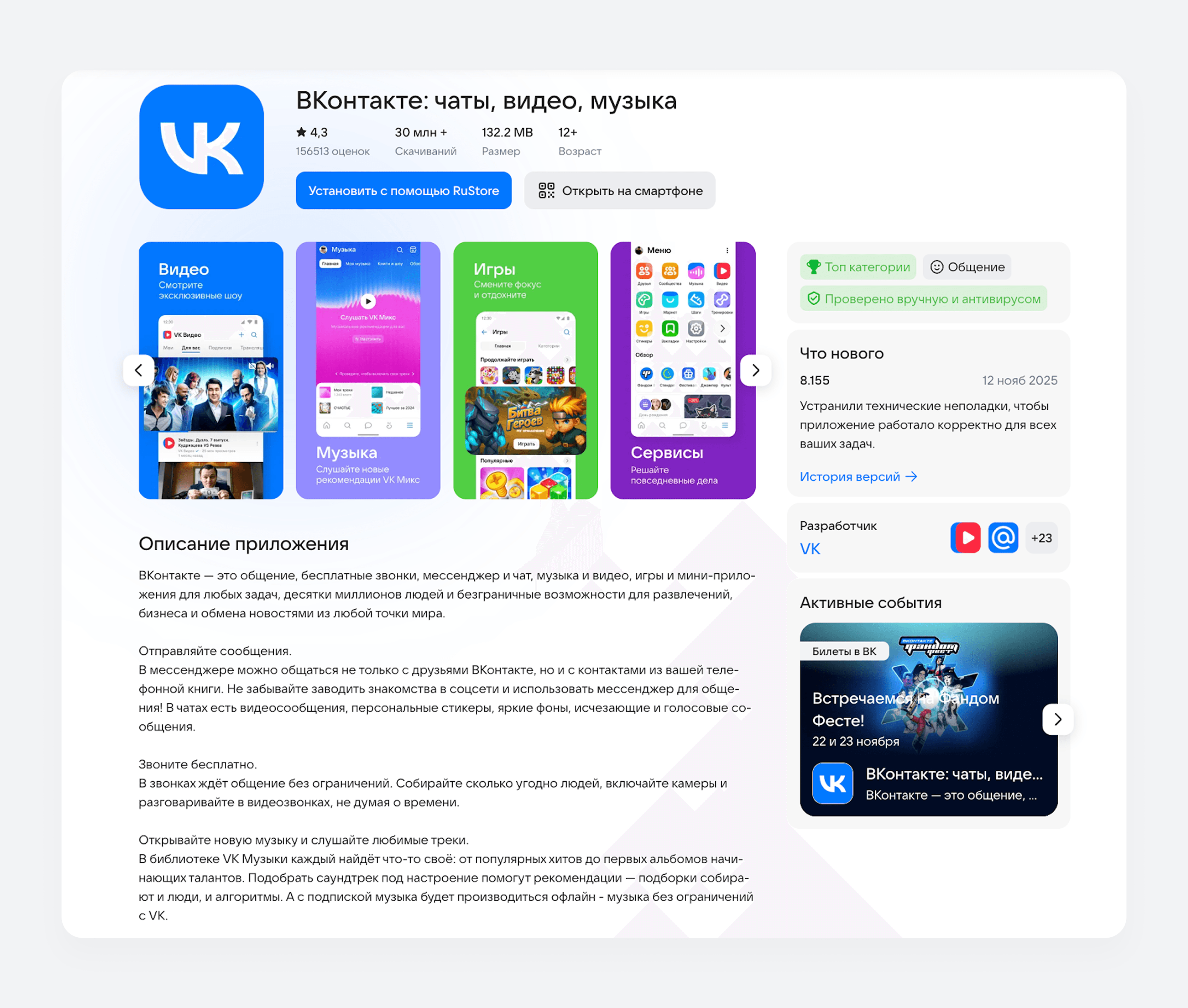
The most effective way to get your app noticed without spending on ads is to create a compelling, informative app listing on RuStore. This will help improve your app's ranking in the store's search results and both capture and hold the audience's attention.
Optimize every element of your app listing to make it visually appealing:
- The title reflects the functions of the application.
- Description reveals its capabilities and includes relevant keywords.
- Icon grabs attention and boosts brand recognition.
- Screenshots demonstrate the app's key features.
- Answers to common questions build user trust.
Additionally, use the tools of ASO (App Search Optimisation) — search engine optimization of applications. They can help boost your app listing's ranking in search results. For example, manage your reviews and use the push notification service to engage your target audience and share information about promotions, discounts, updates, and news of the company-developer.
Paid promotion
Thanks to the RuStore and VK Ads integration, promoting your apps through the ad platform is convenient and easy — no mobile tracker is required. When you create an advertising campaign, copy the link to your application in RuStore and then add it to the "Mobile application" section in VK Ads.
RuStore automatically transfers click and download data to VK Ads without sharing any information with third parties. Running ads via a direct link will save your resources as much as possible and allow you to quickly test a hypothesis without third-party tracking services.
Depending on your business objectives, developers can choose from several ad optimization goals:
- app installs, when you need to attract more new users,
- in-app conversions, when the priority is to encourage users to take specific actions (adding items to the cart, subscribing, reaching a level, and others),
- retargeting, when you need to re-engage users who are already familiar with your app,
- seamless app installs directly from the ad, to shorten the user journey.
For your app advertising to be effective, it's essential to set up your target audience correctly. VK Ads offers a wide range of targeting options to help you find users based on the right characteristics:
- gender and age,
- location,
- interests,
- key phrases
- custom audiences.
Additionally, to reach an even more precise audience, you can select users with an interest in the mobile application topic you need. VK Ads provides several settings for building your segment: mobile platform, app category, users who have installed an app, or those who have used it within a specific time period.
You can also let the platform's algorithm handle the selection of demographic attributes and user interests. It will analyze similar advertising campaigns and offer you relevant settings to make the ads bring the maximum number of targeted actions.
Ad placements
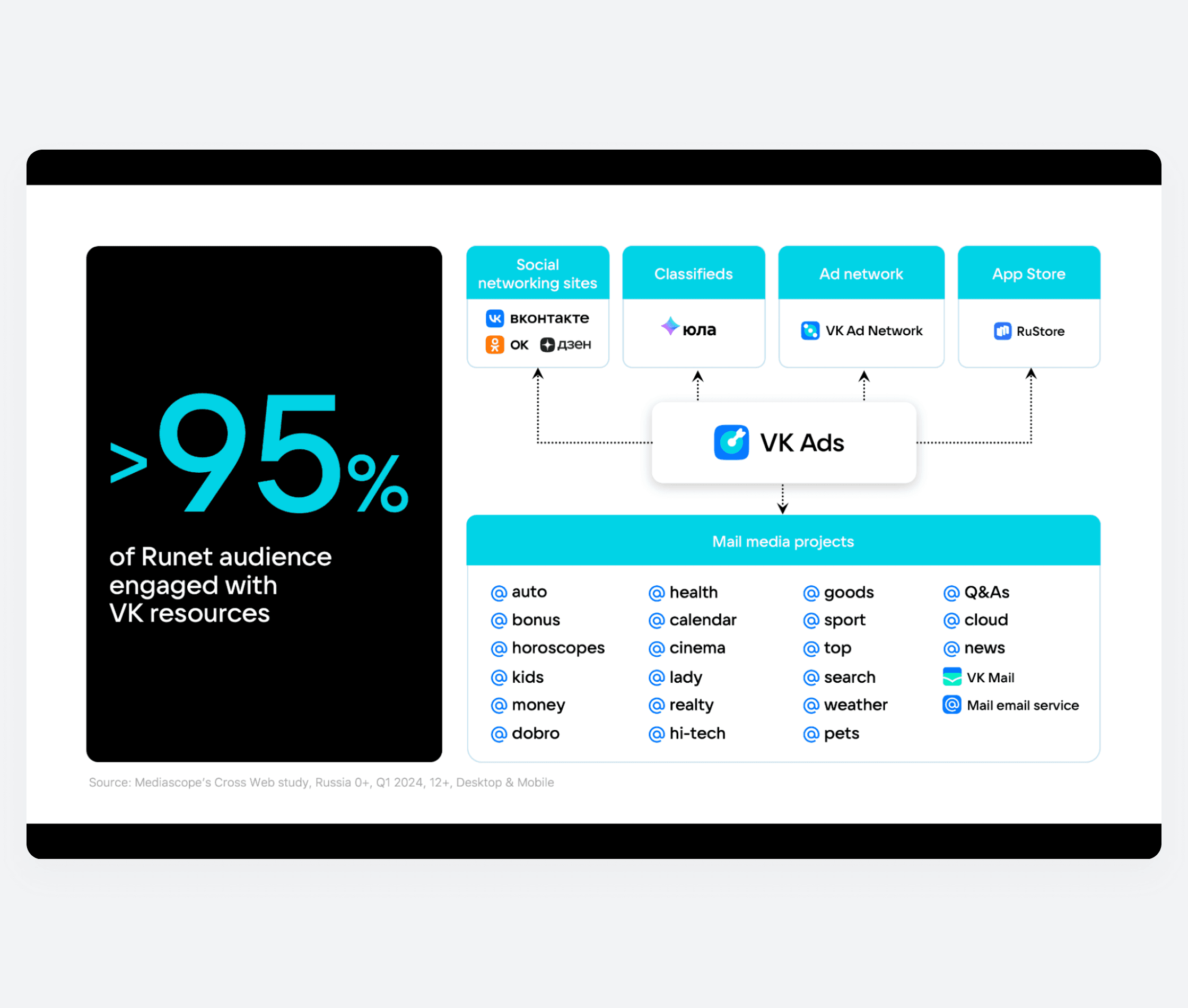
With VK Ads, you can run campaigns to promote apps and games across all VK platforms. Your ads will appear on the VKontakte and Odnoklassniki, across VK's content projects, and within the ad network. Users will see your ads in their feed, in stories, videos and clips.
You can also promote apps and games within the RuStore through the ad platform. Your ads will be visible to users on the homepage, in search results, and in the "Games" and "Apps" sections. All ad formats are displayed with an "Ads" label.
How to launch a promotion in VK Ads
To start promoting your app in VK Ads, make sure it is uploaded to the RuStore. Copy the link to your app and add it under the "Mobile app" tab → "Add app". Please note: connecting a tracker is not required.
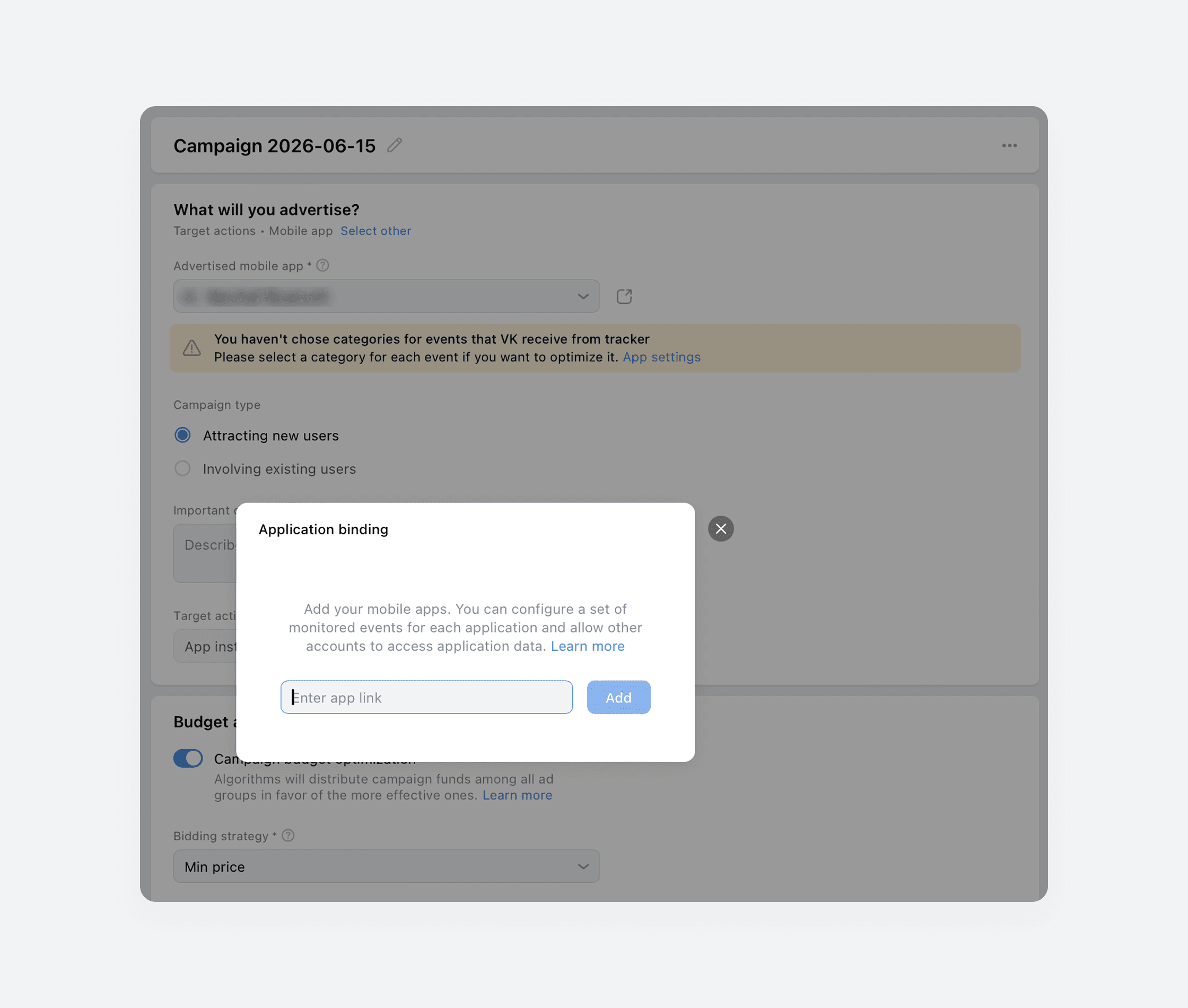
Next, select your campaign type, target action, bidding strategy, and budget. To allow VK Ads algorithms to distribute your budget as efficiently as possible, keep the "Campaign budget optimization" setting enabled.
Create a separate ad set for each target audience segment and configure your settings. Use the "Automatic Placements" option to have your ads shown across all VK platforms, or select only RuStore if you plan to run your campaign exclusively among app store visitors. Note that the first option will give you broader reach. Placement limited to RuStore is only available when creating new campaigns — existing campaigns cannot be adjusted to meet this condition.
In the next step, create your ad creatives: fill in the campaign text fields and upload your images. Once your setup is complete, publish your ads — they will be sent for moderation and then start being shown to your audience. Due to the fact that VK Ads and RuStore operate on a single platform, they can exchange analytics data without any risk of third-party data leakage.
Conclusion
- RuStore is a store of apps, games, and useful services. Its catalog already features over 100,000 apps and games from developers across 70 countries worldwide.
- RuStore is suitable for a broad range of users. It offers a kids mode, a special version for visually impaired users, and the ability to leave reviews and download apps and games on smartphones, tablets, and TVs.
- App developers have access to both free and paid promotional tools to attract users on RuStore.
- With the VK Ads platform, you can precisely target your desired audience and run ad campaigns both inside the RuStore and across all VK projects.
Contents